
Instructor-Led Training (ILT): Types, Examples and When to Use It
Instructor-led training (ILT) is live training led by an instructor, in person or online. Types, examples, ILT vs eLearning vs blended, and how to run it.
On this page 7 sections
Short answer
Instructor-led training, or ILT, delivers learning through a live instructor, either in a physical classroom or virtually. It works best for complex, interactive or high-stakes topics where discussion and real-time feedback matter. The challenge is logistics: scheduling, attendance and records, which a learning platform should manage alongside eLearning.
What Instructor-Led Training Is
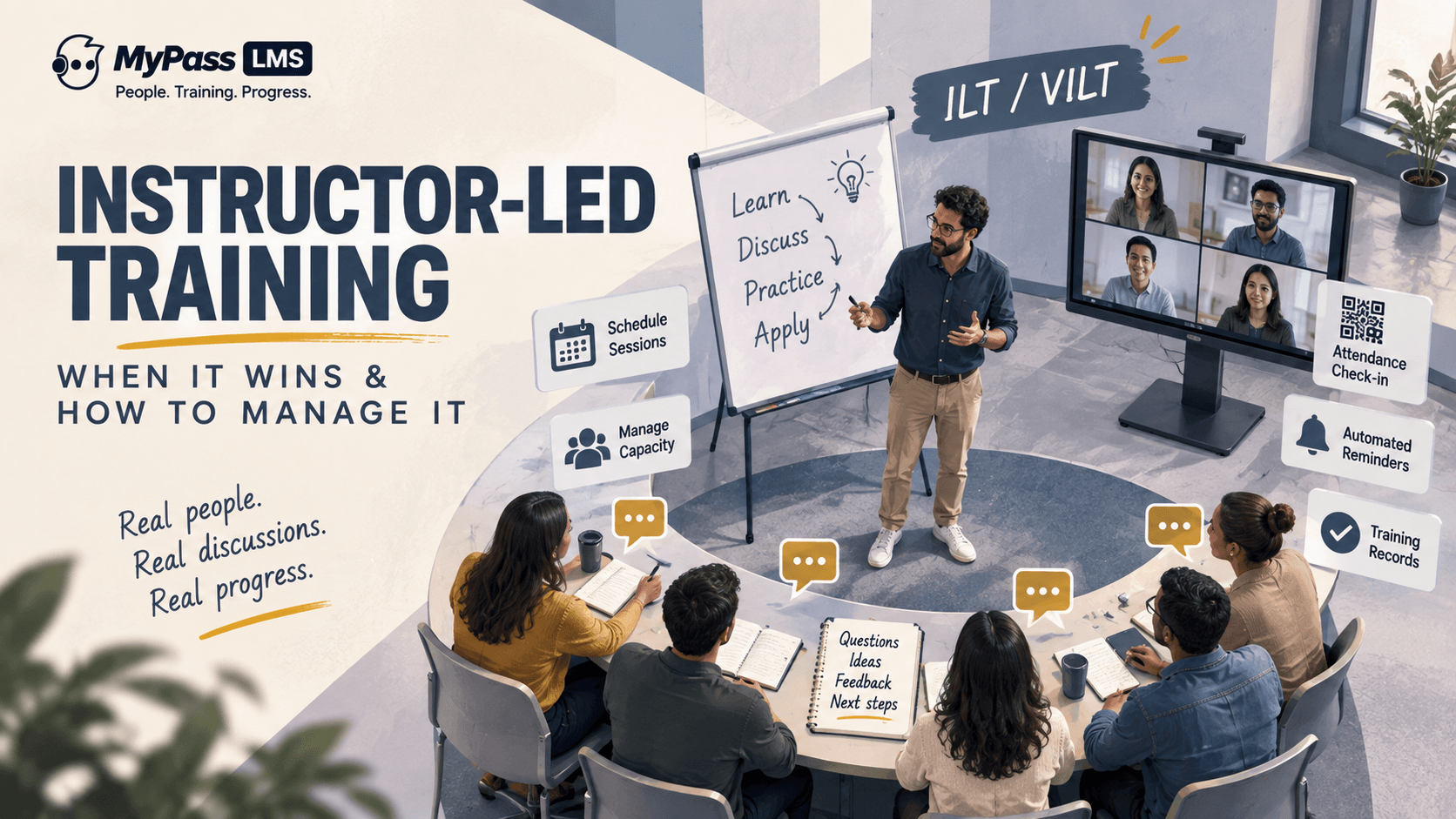
Instructor-led training, usually shortened to ILT, is training delivered by a live instructor to learners, either in a physical room or through a virtual classroom. It is the oldest form of organized training, and despite the rise of self-paced eLearning, it remains the right choice for a large set of learning needs.
When it happens over video rather than in person, it is often called virtual instructor-led training, or VILT. The defining feature of both is the same: a live human leading the session in real time, able to read the room, answer questions and adapt on the spot.
Types of instructor-led training
- Classroom ILT: instructor and learners in the same room, the classic format for workshops, orientations and equipment training.
- Virtual instructor-led training (VILT): a live session over video, with polls, breakout rooms and chat standing in for the room.
- On-the-job and hands-on sessions: an instructor coaches or evaluates learners at the actual workstation, vehicle or piece of equipment.
- Blended ILT: live sessions combined with self-paced prework and follow-up, so classroom time is spent on practice instead of slides.
Instructor-led training examples
- New-hire orientation run by HR and a team lead on day one.
- Forklift, lockout/tagout or other safety training that ends with a practical evaluation.
- Leadership and management workshops built around role-play and feedback.
- Train-the-trainer sessions before a new software system goes live.
- Live CE seminars and conference workshops for association members, where attendance must be recorded before continuing education credits can be awarded.
Key point
ILT is not the opposite of eLearning, and choosing one does not rule out the other. The strongest programs blend them: self-paced content for knowledge, live sessions for practice and discussion.
When ILT Beats Self-Paced eLearning
Self-paced eLearning is cheaper, more scalable and available on demand, so it should be the default for straightforward knowledge. ILT earns its higher cost when the topic genuinely needs a live instructor.
- Complex or nuanced topics: where learners need to ask questions and get tailored answers in the moment.
- Interactive skills: negotiation, leadership, difficult conversations and similar skills that require live practice and feedback.
- High-stakes training: where getting it wrong is costly and real-time confirmation of understanding matters.
- Team building and alignment: where the shared experience is part of the point.
- Hands-on tasks: where equipment or physical practice can only happen in person.
ILT vs VILT vs eLearning vs blended learning
The four formats are not rivals so much as tools for different jobs. This is how they compare on the factors that usually decide the choice. For the self-paced side, see what eLearning is; for combining formats, see blended learning.
| Factor | Classroom ILT | Virtual ILT (VILT) | Self-paced eLearning | Blended |
|---|---|---|---|---|
| Live instructor | Yes, in the room | Yes, on video | No | For part of the program |
| Interaction and feedback | Highest | High, if the session is designed for it | Limited to quizzes and branching | High where it matters |
| Cost per learner | Highest: trainer time, venue, travel | Medium: trainer time, no travel | Lowest once built | Medium |
| Scales to large audiences | Poorly | Moderately | Very well | Well |
| Scheduling | Fixed time and place | Fixed time, any place | Any time | Mix of both |
| Best for | Hands-on skills, high-stakes topics, team building | Discussion-heavy topics for dispersed teams | Standardised knowledge, compliance refreshers | Programs that need both knowledge and practice |
| What you must track | Attendance, sign-off, evaluation | Attendance and participation | Completion and scores, recorded automatically | Both, ideally in one learner record |
The Real Challenge: Logistics
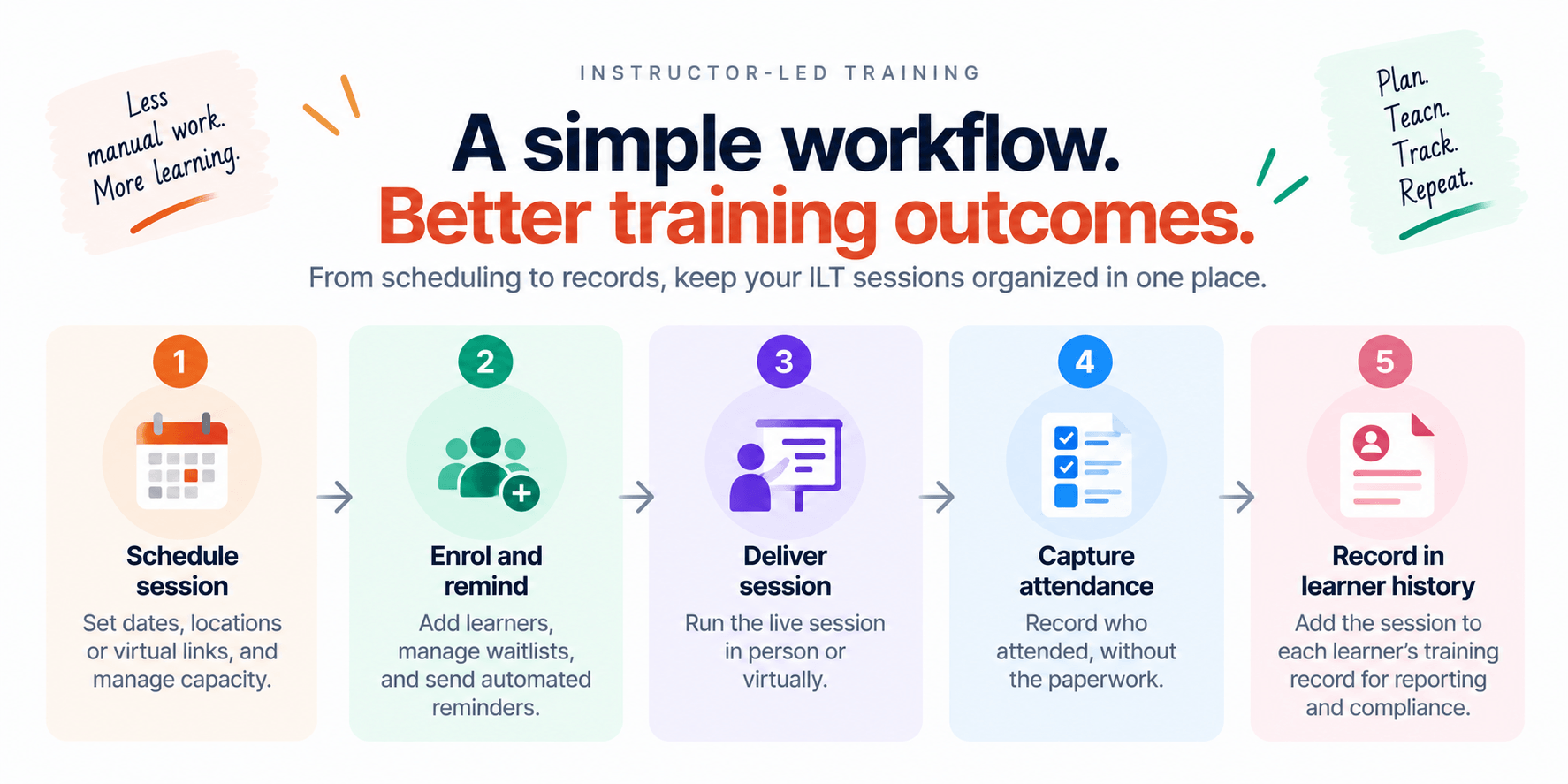
The content side of ILT is well understood. The part that quietly consumes time is logistics. Every live session has to be scheduled, capacity managed, learners enrolled and reminded, attendance recorded, and completion pushed into the training record so it counts the same as any other training.
Done manually, this is spreadsheets, email chains and paper sign-in sheets, and it breaks down at scale or when an auditor asks who attended what. Done properly, the platform that runs your eLearning also manages the sessions, so ILT and self-paced training live in one record.
Key point
The weakest link in most ILT is attendance capture. A paper sheet that never makes it into the system means the training effectively did not happen, as far as your records are concerned.
What Good ILT Session Management Looks Like
Managed well, instructor-led training should feel as tracked and automated as eLearning. The platform should handle the operational load so trainers can focus on teaching.
- Session scheduling: create sessions with dates, locations or virtual links, and set capacity.
- Enrolment and reminders: enrol learners, manage waitlists, and send automated reminders to cut no-shows.
- Attendance capture: record who actually attended, ideally without paper, so the record is reliable.
- Unified records: session completion sits in the same learner history and reporting as online courses.
- Blend with eLearning: combine sessions with self-paced prework and follow-up in one learning path.
Instructor-Led Training in MyPass LMS
MyPass LMS manages instructor-led training alongside self-paced learning, so live sessions are scheduled, tracked and recorded in the same system as everything else. Learners can be enrolled and reminded automatically, and attendance can be captured with QR code check-in rather than a paper sheet that never reaches the records.
Because sessions sit in the same platform as courses, assessments and reporting, an instructor-led session can be one step in a larger learning path, and its completion appears in the same audit-ready record as online training. That removes the usual gap between how ILT and eLearning are tracked.
- Schedule in-person and virtual sessions with capacity limits.
- Enrol learners and send automated reminders.
- Capture attendance with QR code check-in.
- Combine sessions with self-paced steps in one learning path.
- Record session completion in the same audit-ready reporting as online courses.
The bottom line
Instructor-led training is far from obsolete: for complex, interactive and high-stakes learning, a live instructor still beats a self-paced module. The trick is to use it where it earns its cost and to manage the logistics properly, so sessions are scheduled, attended and recorded as reliably as any online course.
That requires a platform that runs ILT and eLearning together. See how session management, attendance and reporting combine in MyPass LMS features, learn how QR code attendance tracking works, or start a free trial.
Frequently asked questions
What is instructor-led training?
Instructor-led training, or ILT, is training delivered by a live instructor to learners, either in a physical classroom or virtually. When delivered over video it is often called virtual instructor-led training, or VILT. Its defining feature is a live instructor leading in real time, able to answer questions and adapt to the group.
What are examples of instructor-led training?
Common examples are new-hire orientation, safety and equipment training that ends with a practical evaluation, leadership workshops built on role-play, train-the-trainer sessions before a system launch, and live continuing education seminars at association conferences. What they share is a live instructor who can answer questions, watch learners practise and confirm they are ready.
When should you use ILT instead of eLearning?
Use instructor-led training for complex or nuanced topics, interactive skills that need live practice such as leadership or negotiation, high-stakes training where real-time confirmation matters, and hands-on tasks requiring equipment. Use self-paced eLearning for standardised knowledge that needs to scale and be available on demand. Many programs blend both.
What is the difference between ILT and VILT?
ILT is instructor-led training in general. VILT, virtual instructor-led training, is the subset delivered over video conferencing rather than in a physical room. Both feature a live instructor in real time; the difference is only whether learners are physically present or joining remotely.
How do you track attendance for instructor-led training?
The reliable way is to capture attendance digitally into your learning platform rather than on paper, so it becomes part of the learner’s record. MyPass LMS supports QR code check-in for sessions, which records who attended directly into the same audit-ready reporting as online course completions, avoiding the gap that paper sign-in sheets create.
Is instructor-led training more effective than eLearning?
Neither is more effective in general. Instructor-led training tends to win for complex, interactive or hands-on skills, where learners need practice and immediate feedback. Self-paced eLearning tends to win for standardised knowledge that many people need on their own schedule. Most strong programs blend the two and track both in one record.
Keep reading
Course design & delivery
Self-Paced vs Instructor-Led Learning: Which Should You Use?
Course design & delivery
What Is eLearning? A Clear, No-Jargon Guide
Course design & delivery
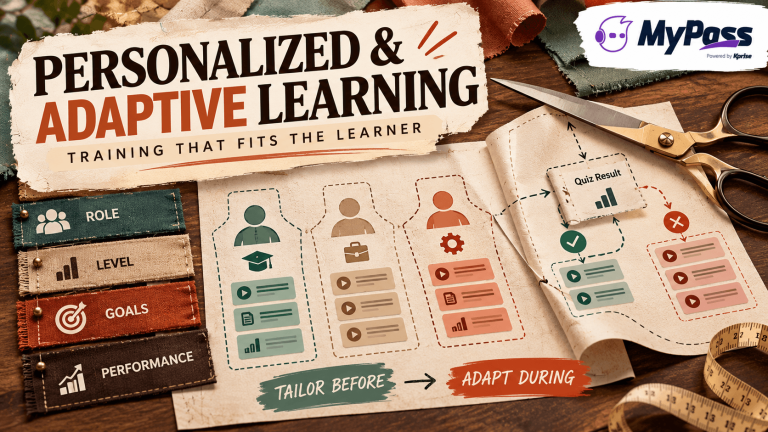
Personalized and Adaptive Learning: Training That Fits the Learner
Course design & delivery