
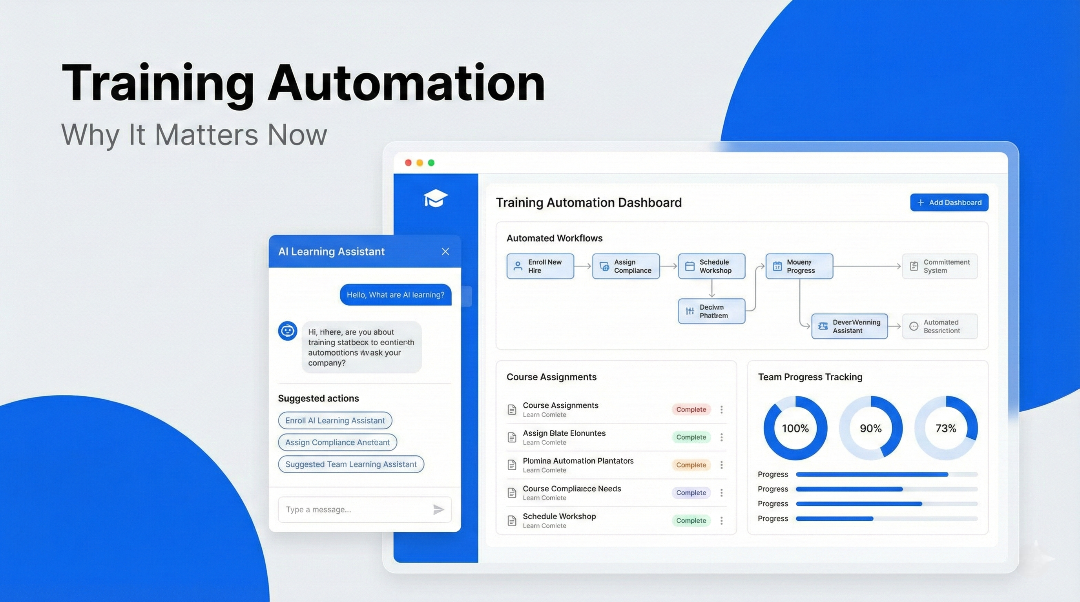
What Is Training Automation? Automatic Training Workflows
Training automation (automatic training) lets your LMS enroll, remind, certify and recertify learners by rule. Workflow examples and what to automate first.
On this page 13 sections
- What Is Training Automation?
- Why Training Automation Matters Now
- What Does Training Automation Look Like in Practice?
- Automatic Training Workflows: Trigger, Action, Result
- What to Automate First
- Training Automation vs Traditional LMS Workflows
- Key Benefits of Training Automation
- The Role of AI in Training Automation
- Training Automation in MyPass LMS
- Who Should Prioritize Training Automation?
- Why Training Automation Will Define Learning Systems in 2026
- Final Thoughts
- Frequently Asked Questions
Short answer
Training automation, sometimes called automatic training, means letting your LMS do the routine work of running training by rule: enrolling people when they join or change roles, reminding them before due dates, issuing certificates when they pass, re-enrolling them before a certification expires, and sending managers the report. People still decide what to teach; the system handles who gets it, when, and the follow-up.
Teams are onboarding faster, compliance requirements keep growing, and learning programs now span locations, roles and, for associations, whole membership bases. HR, L&D and education teams are expected to run all of it with the same headcount. This article explains what training automation covers, the workflows worth automating first, and how to tell whether an LMS can actually do it.
What Is Training Automation?
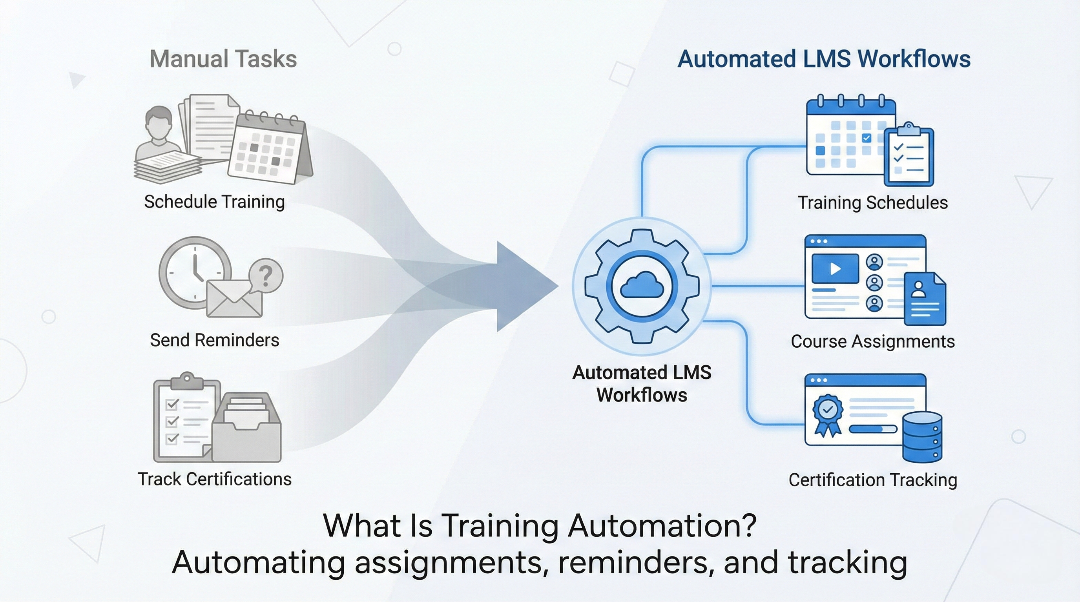
Training automation refers to using technology to automatically manage, execute, and track training tasks that would otherwise require manual effort.
Instead of manually assigning courses, scheduling sessions, sending reminders, tracking completions, and generating reports, automated systems handle these tasks based on predefined rules or intelligent workflows.
In a modern learning management system, training automation can cover:
- User onboarding and role-based course assignment
- Scheduling instructor-led training
- Certification tracking and renewals
- Automated reminders and notifications
- Report generation and compliance tracking
The goal is simple: less manual work, more consistency, and faster execution.
Why Training Automation Matters Now
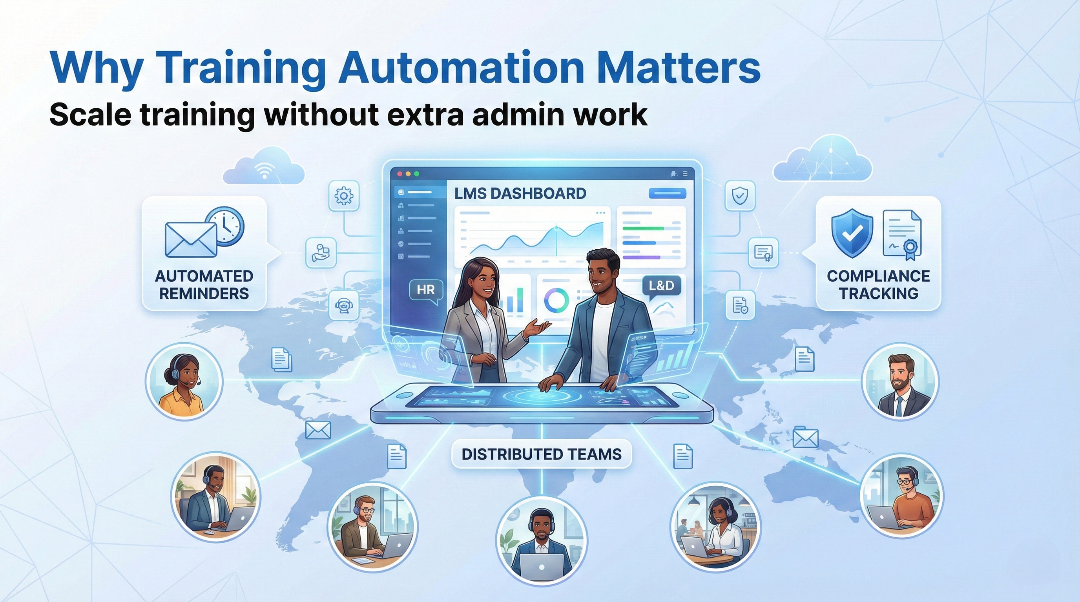
Training automation isn’t a future concept—it’s a response to very real challenges organizations are facing today.
1. Training Volumes Are Increasing
Organizations are training more people, more often, across more topics. Manual processes simply don’t scale.
2. Compliance Requirements Are Getting Stricter
Industries like healthcare, manufacturing, finance, and consulting require constant tracking, renewals, and audit-ready reporting. Automation reduces risk and errors.
3. Distributed and Hybrid Teams Are the Norm
With remote and hybrid work, training needs to happen consistently across locations and time zones—without constant admin intervention.
4. Admin Work Is Slowing Teams Down
Many LMS platforms still rely on manual workflows that consume hours each week. Training automation removes this bottleneck.
What Does Training Automation Look Like in Practice?
Training automation can be simple or advanced, depending on the system.
At a basic level, it may include:
- Automatically assigning courses when a user joins
- Sending reminders before deadlines
- Generating completion reports
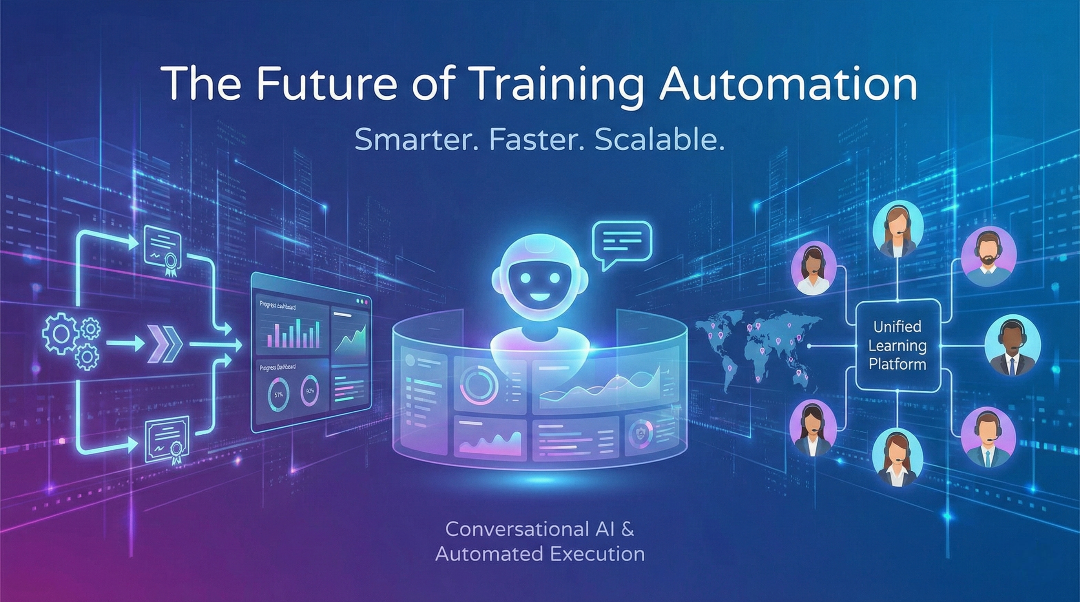
More advanced platforms go further by using AI-driven automation, where the system can understand intent and execute workflows dynamically.
For example:
- “Assign onboarding training to all new hires this month”
- “Schedule compliance refresher training and notify managers”
- “Show me expired certifications and reassign courses”
This moves training management from click-based workflows to outcome-based execution.
Automatic Training Workflows: Trigger, Action, Result
Almost every automatic training workflow has the same shape: something happens (the trigger), the LMS does something (the action), and a person no longer has to remember to do it. These are the workflows most teams set up first.
| Trigger | Automatic action | Manual work it replaces |
|---|---|---|
| New person added to the LMS or directory | Assign the onboarding learning path for their role | Building each new hire's course list by hand |
| Role, department or membership tier changes | Assign the training the new role or tier requires | Spotting changes in HR or AMS reports |
| Due date approaching | Remind the learner, then copy their manager | Chasing people by email |
| Learner passes the final exam | Issue the certificate with its expiry date | Creating and emailing certificates |
| Certificate nearing expiry | Send renewal reminders and re-enroll in the refresher | Tracking expiry dates in a spreadsheet |
| Prerequisite course completed | Unlock the next step in the learning path | Enrolling people step by step |
| Live session finishes | Record attendance and completion in the learner's history | Typing up paper sign-in sheets |
| End of week or month | Send completion and overdue reports to managers | Building the report from exports |
What to Automate First
Do not try to automate everything in week one. Start where a missed step costs the most, then work down.
- Recertification. An expired certificate is a compliance finding or a member who can no longer practise. Automate expiry reminders and re-enrollment before anything else.
- Role-based onboarding. Define one learning path per role and let new people receive it automatically.
- Reminders and escalation. Learner first, manager at the halfway point, compliance owner when overdue.
- Reporting. Schedule the report your managers or auditors ask for most often.
- Everything else. Prerequisite unlocking, live-session attendance and follow-up surveys come once the basics run on their own.
Training Automation vs Traditional LMS Workflows
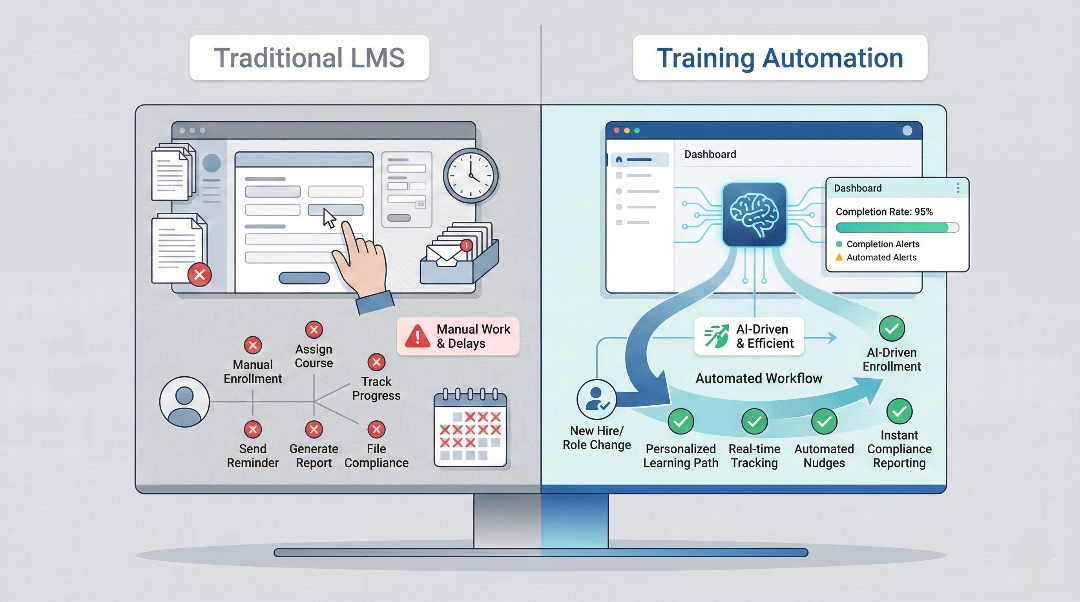
Traditional LMS platforms often support automation in limited ways—mainly through rules and static triggers. While helpful, they still require heavy setup and ongoing maintenance.
Modern training automation focuses on:
- Reducing configuration effort
- Automating multi-step workflows
- Adapting to changing requirements
- Minimizing human follow-up
This shift is especially important for organizations that are growing or operating across multiple teams and locations.
Key Benefits of Training Automation
Reduced Administrative Effort
Automation removes repetitive tasks like assignments, reminders, and reporting, freeing up L&D teams to focus on learning strategy.
Faster and More Consistent Onboarding
New hires receive the right training immediately, without delays or manual setup.
Improved Compliance Management
Automated tracking, renewals, and reporting reduce the risk of missed deadlines or incomplete records.
Better Scalability
Training programs can grow without increasing admin headcount.
Higher Adoption and Engagement
When training is timely, relevant, and consistent, learners are more likely to complete it.
The Role of AI in Training Automation
AI takes training automation a step further.
Instead of relying only on static rules, AI-enabled systems can:
- Understand natural language instructions
- Plan and execute multi-step training workflows
- Adapt automation based on context
- Reduce setup and configuration complexity
This is where agentic AI in an LMS comes in: AI that can take an action, not just analyse data. Whatever the tool, insist that a person can see and approve what it does, especially for grades, certifications and anything an auditor will look at.
Training Automation in MyPass LMS
In MyPass LMS, most of the workflows above are set up once on the course, learning path or certificate rather than run by hand each time.
- Learning paths by role, group or membership tier: sequence courses, live sessions and exams, assign the path in one step, and let prerequisites hold back advanced content until the basics are done.
- Due dates and reminders on every step of a learning path.
- Certificates issued automatically on pass, with an expiry date and renewal reminders before it lapses.
- Member sync with your AMS: membership decides which courses open, and completions and CE credits are written back to the member record.
- Reports on progress, completions and assessment results that you can filter and export for managers, auditors or your board.
See the full list in MyPass LMS features, or start a free trial and set up your first automated learning path.
Who Should Prioritize Training Automation?
Training automation is especially valuable for:
- HR and L&D teams managing large or growing workforces
- Compliance-driven industries
- Organizations with frequent onboarding
- Distributed or hybrid teams
- Teams struggling with LMS admin workload
If training administration is consuming too much time, automation is no longer optional—it’s necessary.
Why Training Automation Will Define Learning Systems in 2026
As organizations move further into 2026, expectations around learning systems are changing.
The focus is shifting:
- From manual setup to automated execution
- From static workflows to adaptive systems
- From admin-heavy LMS platforms to automation-first solutions
Training automation is becoming a core requirement, not an add-on feature.
Final Thoughts
Training automation isn’t about doing more with less—it’s about doing the right work instead of repetitive work.
By automating routine tasks, organizations can deliver training faster, more consistently, and with far less operational effort. As learning demands continue to grow, systems that support intelligent, scalable automation will shape the future of training.
Understanding and adopting training automation now puts organizations in a stronger position for what comes next.
Frequently Asked Questions
What is automatic training?
Automatic training, or training automation, is training that an LMS assigns, reminds, records and renews by rule instead of by hand. For example, a new hire receives the onboarding path for their role, gets reminders before each due date, receives a certificate when they pass, and is re-enrolled before that certificate expires, without an administrator doing each step.
What is training automation?
Training automation is the use of technology to automatically manage training tasks such as course assignments, scheduling, reminders, certification tracking, and reporting. It reduces manual work and helps organizations deliver training more consistently and efficiently.
How does training automation work in a learning management system?
In a modern LMS, training automation works through rules or AI-driven workflows that trigger actions automatically. For example, when a new user joins, the system can assign onboarding courses, send notifications, and track progress without manual intervention.
Why is training automation important for organizations today?
Training automation is important because organizations are managing larger, more distributed teams with increasing compliance requirements. Automation helps scale training programs, reduce admin workload, and minimize errors while keeping learning consistent across teams.
What are the main benefits of training automation?
The main benefits of training automation include reduced administrative effort, faster onboarding, better compliance tracking, improved reporting accuracy, and the ability to scale training without adding more resources.
Can AI improve training automation in an LMS?
Yes. AI improves training automation by understanding intent, executing multi-step workflows, and adapting to changing training needs. AI-powered LMS platforms can automate complex tasks like scheduling, reporting, and recurring training while keeping human oversight in place.
Keep reading
AI in learning
AI Agents in HR and L&D: A Plain-English Guide

AI in learning
AI in Employee Training: Where It Actually Helps

AI in learning
AI Governance for L&D: Closing the Gap
AI in learning